kmcmake v1 Quick Start
Build a modern C++ project with kmcmake in minutes.
Prerequisites
- CMake (use the version required by the current template in this repo)
- A C++ compiler toolchain (GCC, Clang, or MSVC)
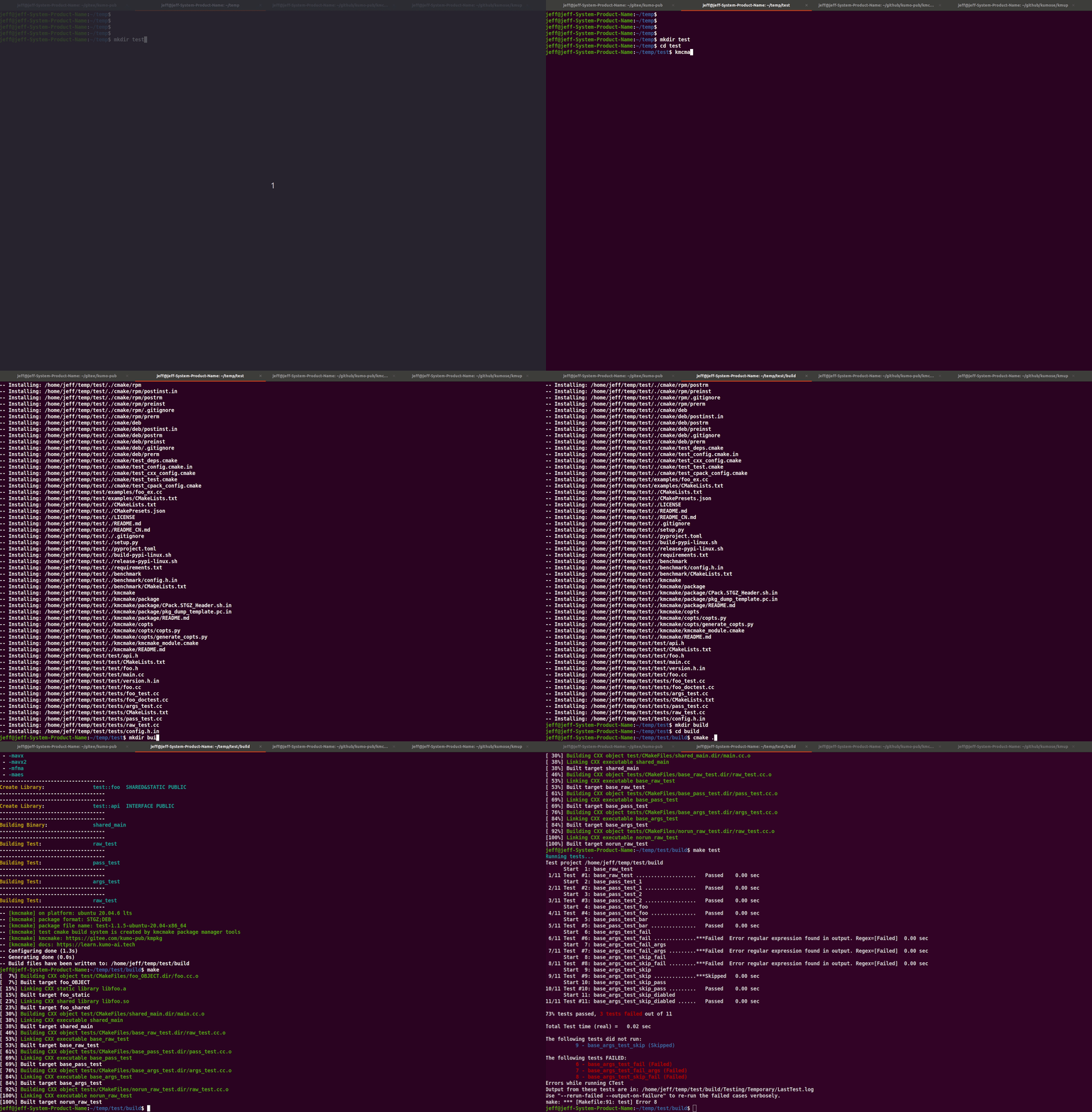
Generate a Project
Recommended: use kmdo
bash
kmdo kmpkg gencmake -n your-project-name -o your-path
Alternative: generate from the template manually
bash
git clone https://github.com/kumose/kmcmake.git
cmake -S kmcmake/template -B build -DCHANGEME=your-project-name
cmake --install build --prefix your-path
rm -rf build
Both methods generate a complete project skeleton that can be built immediately.
Build and Test
cd your-path
cmake --preset default
cmake --build build
ctest --test-dir build
New in This Template
-
User override entrypoint:
cmake/your-project-name_user_option.cmake- Loaded before deps/cxx/test includes
- Best place for project-local overrides
-
Runtime SIMD level:
KMCMAKE_RUNTIME_SIMD_LEVEL- Levels:
NONE,SSE,SSE2,SSE3,SSSE3,SSE4_1,SSE4_2,AVX,AVX2,AVX512 - Default:
AVX2 - Applied together with detected host/compiler capability
- Levels:
-
One-step protobuf object flow:
kmcmake_cc_proto_object(...)- Generates
*.pb.cc/*.pb.h - Builds object target in one call
- Generates
-
Private dependency recording for installed config
kmcmake_private_find_package(...)kmcmake_private_find_library(...)- Recorded in deps and auto-injected into generated
your-project-nameConfig.cmake
What's Next
- Explore Library, Binary, and Interface
- Check Dependencies for centralized dependency patterns
- Check Root CMake Workflow for project lifecycle details